

Horse Racing Favourites App
Saving stats
When you save a stat, you can:
- Save to an existing folder
- Create a new folder
- Use the default My General Stats folder
The best method: Create folders by day of the week
This keeps everything organised. For example:
- Save Sunday stats in a folder called Sunday
- Save Monday stats in a folder called Monday
- …and so on
Then, when racing is taking place on a Thursday, you only check the Thursday folder—not 70 mixed stats.
My Saved Stats
My Saved Stats is where all your saved stats—and your Premium Stats—are stored.
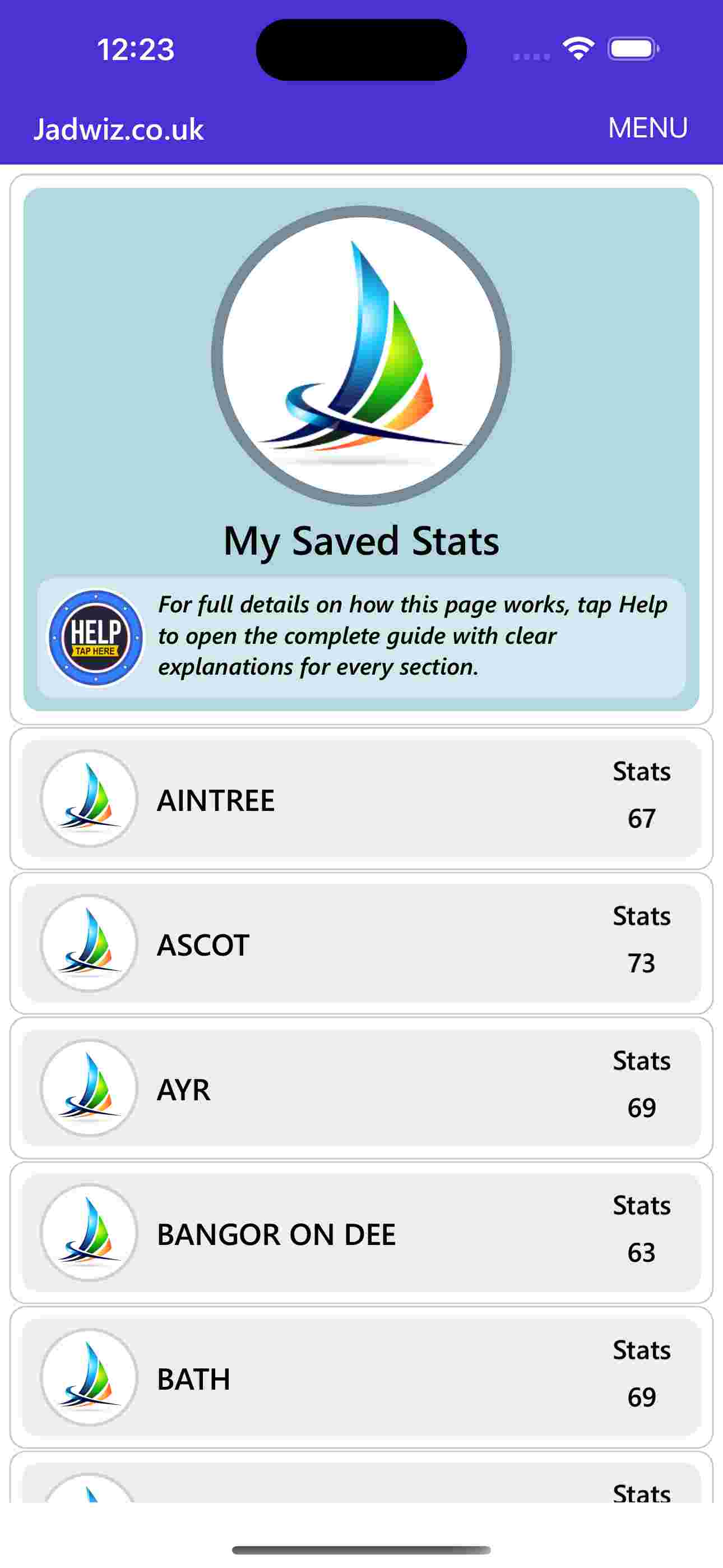
When you open My Saved Stats, you’ll see:
- A list of racecourses
- A number showing how many stats you’ve saved for each
Tap a racecourse to see its folders:
- My Stats Folder
- Premium Stats
- Any custom folders you created
Tap a folder to view the stats inside.
Deleting stats
Tap a stat → Delete. If it’s the last stat in the folder, the folder disappears. This area is simple, clean, and designed to keep everything organised.
The first three favourites win two‑thirds of all races. By understanding how they behave under different conditions, we can make smarter, faster decisions.

Horse Racing Favourites App
-
 Beginners Guide
for the beguiners guide click here -
 Navigating The App
for navigating the app click here -
 Understanding Favourite Stats
for understanding favourite stats click here -
 Using Filters
for using filters click here -
 Finding Your Own Stats
for finding your own stats click here -
 Saving Stats
for saving stats click here -
 My Saved Stats
for my saved stats click here -
 Premium Stats
for premium stats click here -
 Todays Favourites
for todays favourites click here -
 Positive Stats
for positive stats click here -
 Top Selections
for top selections click here -
 Using Graphs
for using graphs click here -
 Comparing Stats
for comparing stats click here -
 My App Health
for my app health click here -
 Special Offers
for special offers click here -
 Summary
for summary click here